
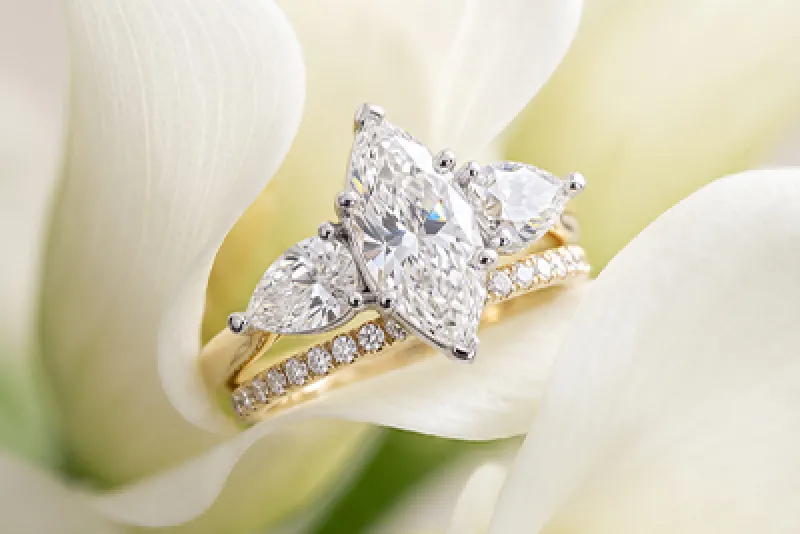
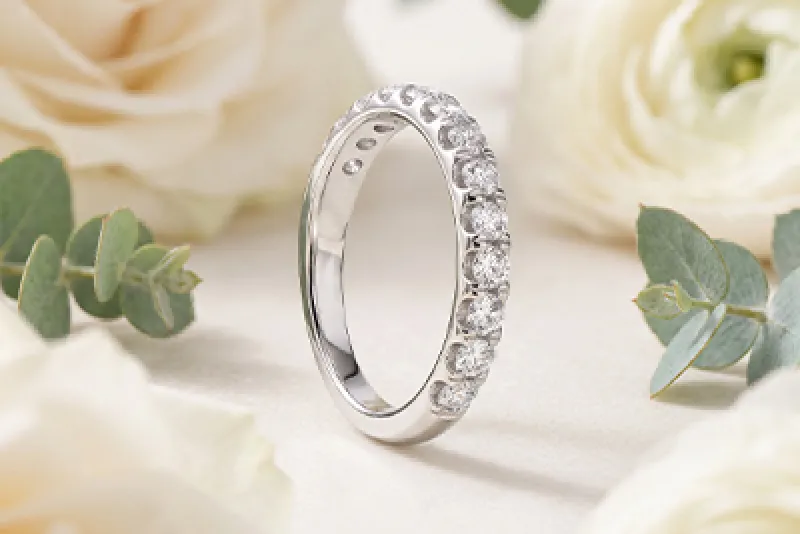





We are delighted to offer a new try on tool on our official website, using the latest augmented reality to help you select rings and watches that are the perfect fit. Discover our helpful user guide below.
The Laings Journal

Try It On: Your Guide to Laings New Virtual Tool
How to Use the Try-on Tool
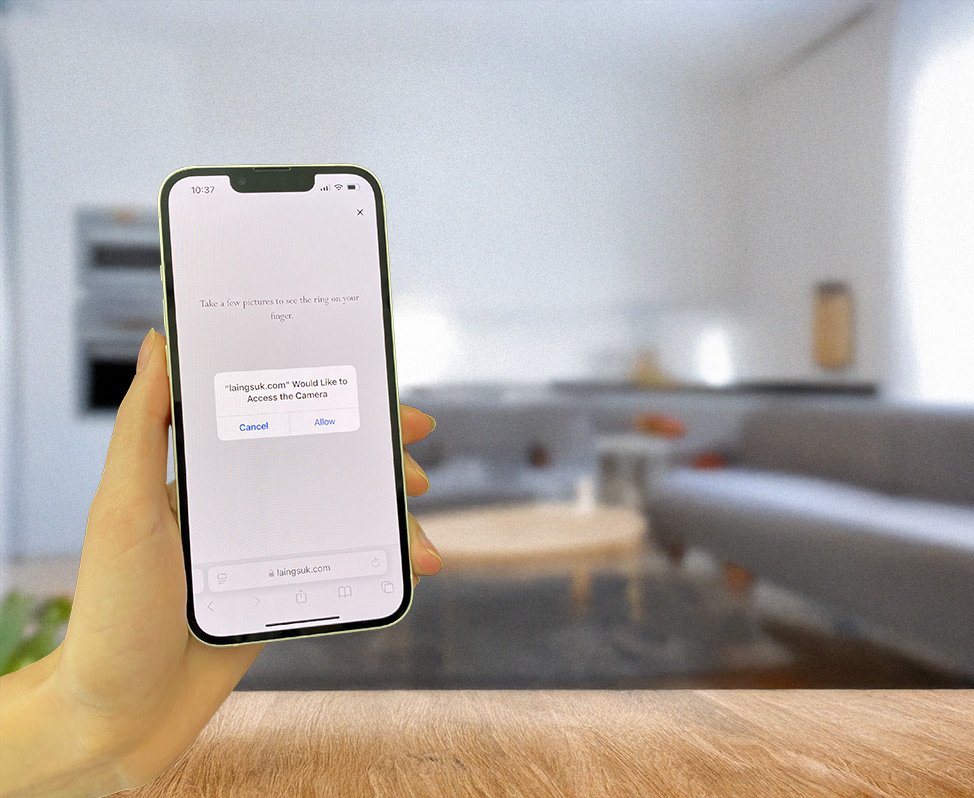
Our virtual try-on assistant has been designed to make the user journey as seamless as possible. Simply tap the ‘TRY IT ON’ button which appears under available products to try on a ring or watch. When using a PC, you can try on products using your own photo by scanning the QR code displayed on the product screen with your smartphone.
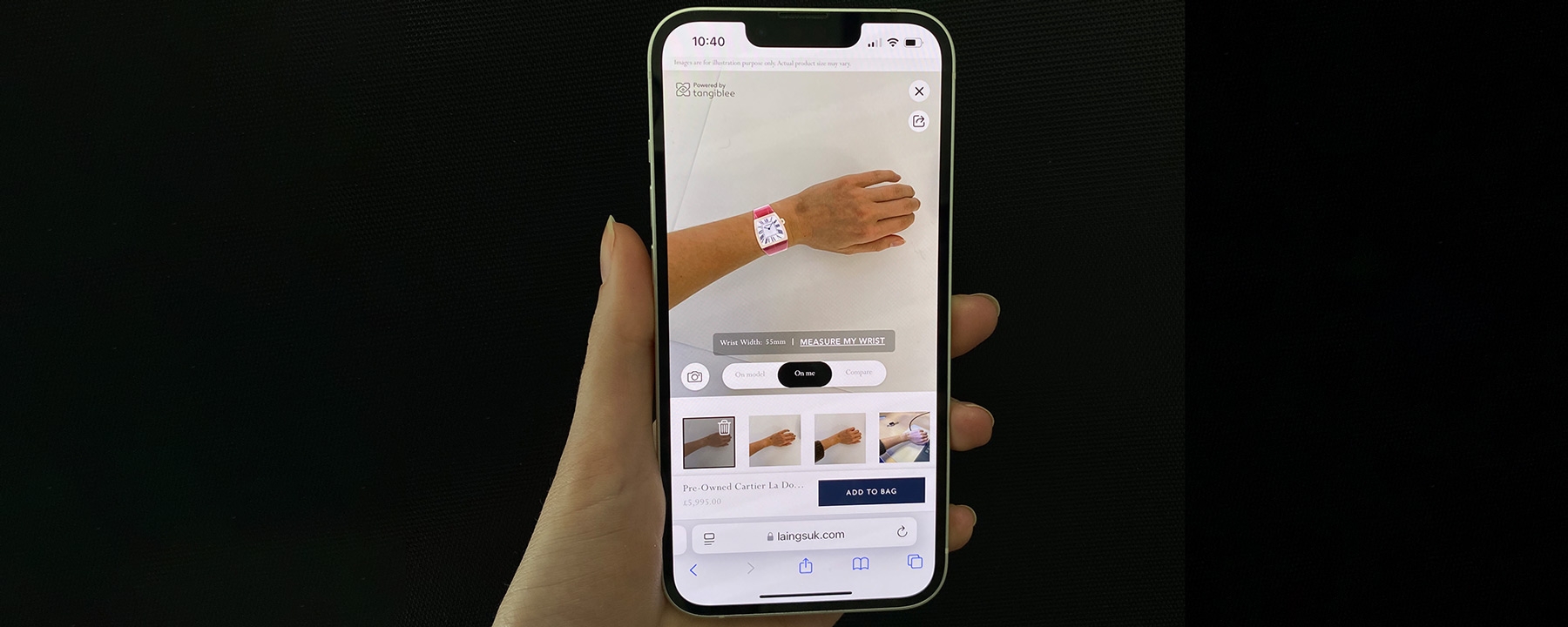
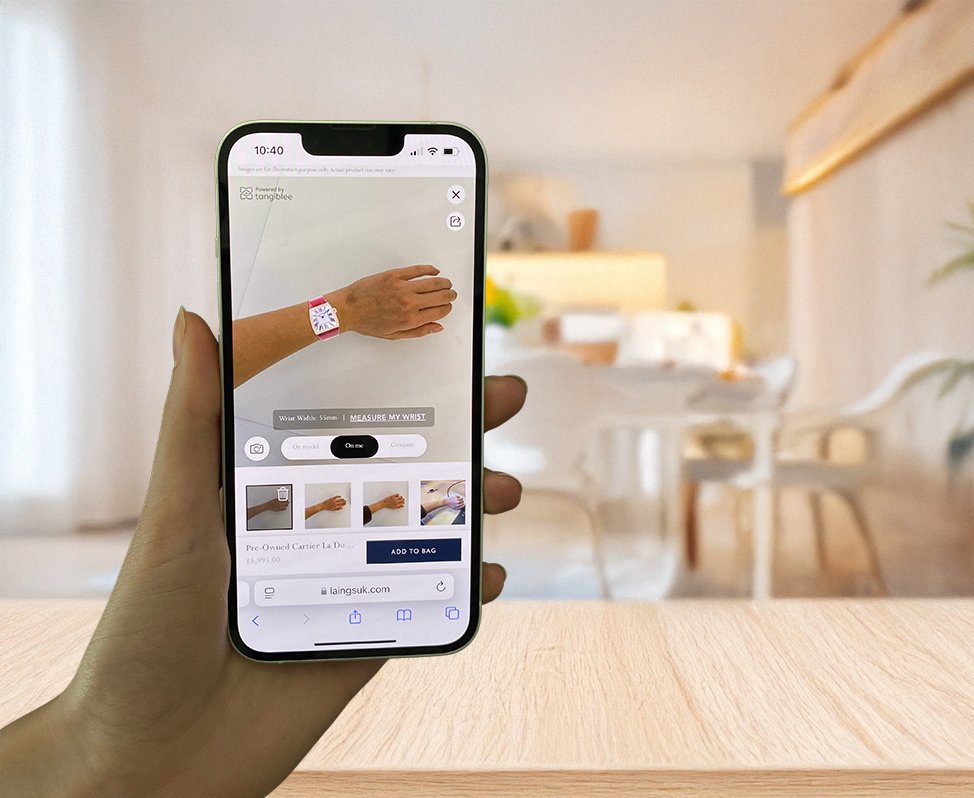
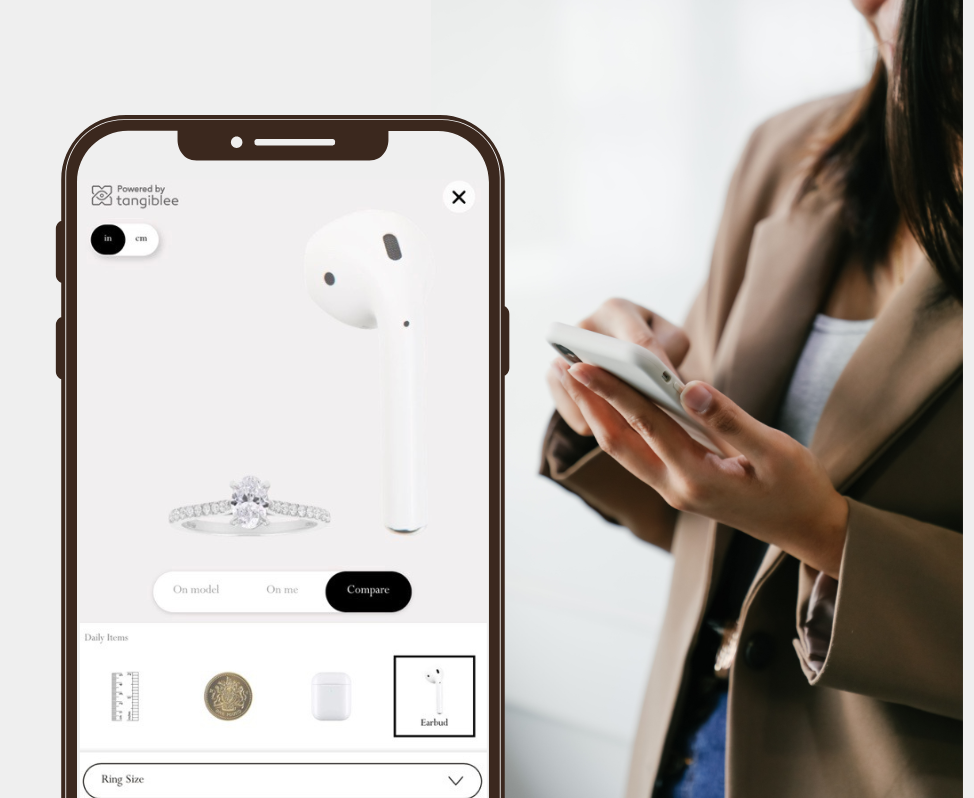
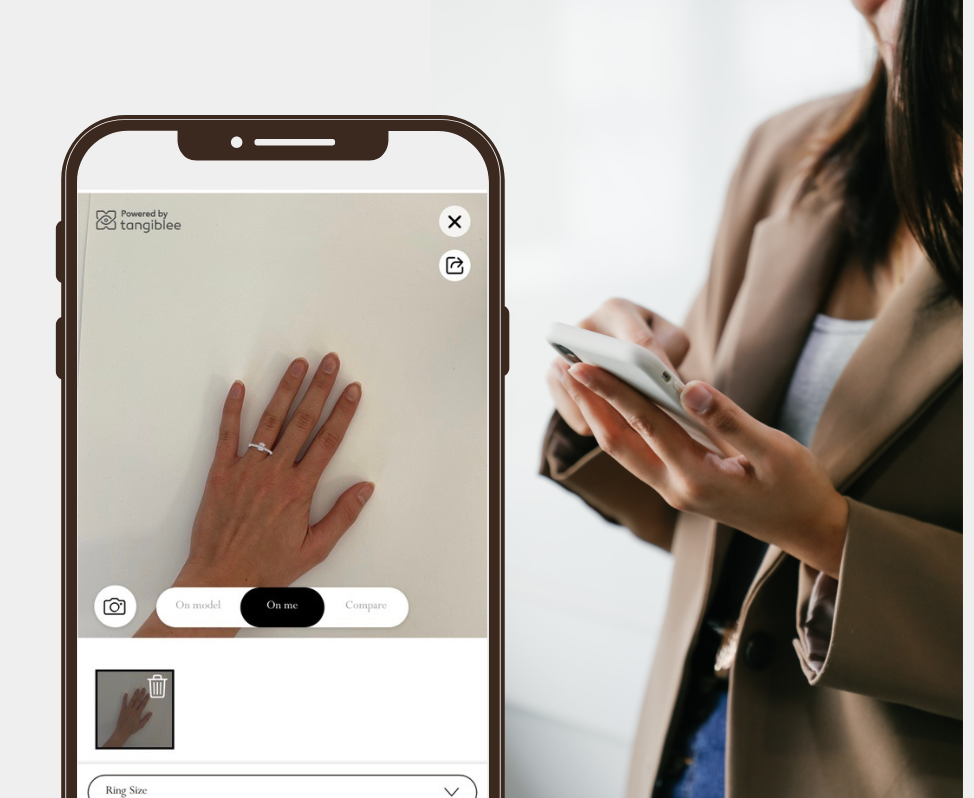
Our try-on tool has three different features, allowing you to navigate between different views of a product: ‘On model’, ‘On me’, and ‘Compare’. The ‘On model’ feature will allow you to navigate back to the available model image to reference the product at any time. You can also select ‘On me’, where you will see a visual representation of the product using your photograph, including an indication of how the size will look on you. Click the ‘Compare’ tab to compare the size of the product to recently viewed products, daily items such as a ruler, coin, and earphones.
Watches
When trying on watches, you will be asked to take a few photos of your wrist. This will allow you to visualise the proportion of a watch on your own wrist size. You can also tap ‘Measure my wrist’ and use your smartphone to calculate your wrist size. This will help you select the correct dial size for your wrist before purchase.
Rings
When trying on rings, you will be asked to select your right or left hand and scan your hand using your camera and the on-screen guide. You can click the ‘Auto on/off’ tab on the bottom right of the screen to assist with this. You will then be able to drag and view the ring on different fingers.
Top Tips:
- Take clear photos; use a well-lit room or natural daylight and a clear background where possible.
- Try out the drag and zoom options to optimise your experience.
- Share your experience with friends and family via SMS or social media using the ‘share’ icon.
- Add products to your wishlist to revisit later.
*The try-on tool is currently available on all rings, pre-owned watches, and new watches. We are working on broadening this choice to bring the tool to more products in the future.
Try-on rings, watches, and pre-owned watches now.
Follow our latest news on our social channels below. If you have any questions, please contact us and our experts would be delighted to assist you.